Review API Logs
API Logs lists the calls made to the Deepinfo API with your API keys. Use it to see what was called, with which key, and whether it worked.
Before You Start
No package is needed to open this page, and any role can use it: API Logs is not limited to admins.
Where to Find It
Sidebar: SETTINGS › ORGANIZATION SETTINGS › API Logs · https://platform.deepinfo.com/app/settings/org-api-logs
Read the Screen
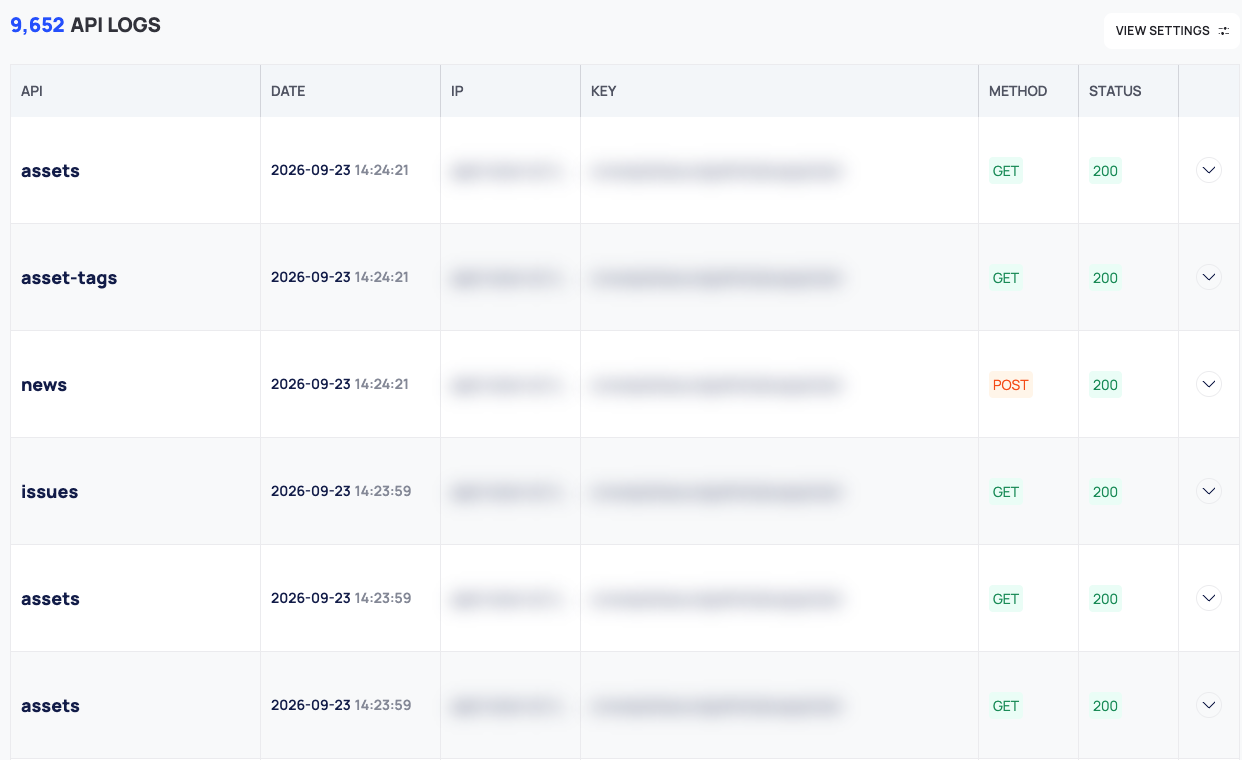
The count of log entries, <n> API LOGS, is at the top, with VIEW SETTINGS next to it. The table has these columns:
| Column | What it shows |
|---|---|
| API | A short name taken from the endpoint's path, for example assets. The full path is in the row's details |
| DATE | Date and time of the call |
| IP | The IP address the call came from |
| KEY | The API key that made the call, in full |
| METHOD | The HTTP method, for example GET or POST |
| STATUS | The HTTP status code, for example 200. Codes of 4xx and 5xx are shown in red |
The log shows 25 entries per page.
See the Details of a Call
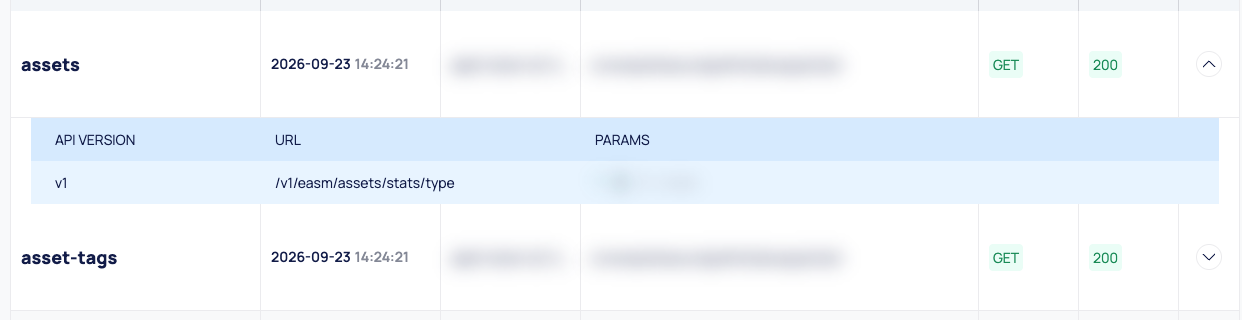
- Select a row. It expands below.
- Read the details:
- API VERSION: the API version, for example
v1. - URL: the full path that was called.
- PARAMS: the query parameters, as JSON.
- API VERSION: the API version, for example
Filter the Log
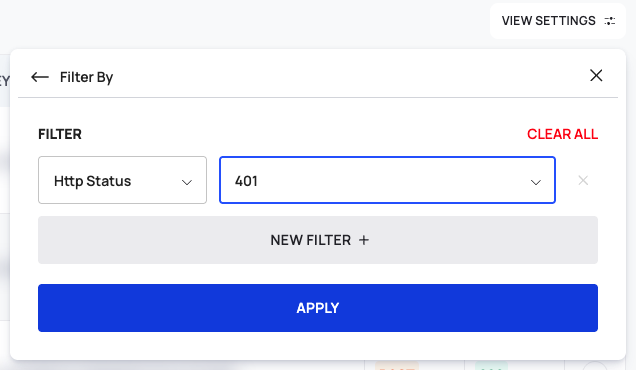
The filters are inside VIEW SETTINGS:
- Select VIEW SETTINGS. View Options opens.
- Select Filter By. It reads Default while no filter is set. The FILTER panel opens.
- In the Select boxes, choose the field to filter on, Endpoint, Time Range or Http Status, and set its condition.
- To add another condition, select NEW FILTER. CLEAR ALL removes them all.
- Select APPLY.
Show or Hide Columns
In VIEW SETTINGS › View Options, the SHOWN list has a switch for each column. The API column is always shown. Reset to Default View restores the default columns.
Read the Status Codes
A red status means the call failed. The most common ones:
| Status | Meaning |
|---|---|
| 401 | The API key was missing or not valid |
| 403 | The endpoint is not included in your package |
| 429 | The key went over its rate limit |
Errors lists every status code the API returns, with example responses.
Good to Know
- Platform activity appears too. The platform calls the Deepinfo API with the default API key while you use it, so those calls are listed here next to the calls from your own integrations.
- Sensitive content. The log shows API keys in full, IP addresses and the parameters of each call, which can include the domains and email addresses you looked up. Treat screenshots of this page as secret.
Do This With the API
- Errors: every error format and status code.
- Rate limits: the rate-limit headers and what a 429 means.